Keep the conversation connected to the task.
Connect Slack to your workspace to bring task-related thread context into Neevio and deliver supported Loop updates to the channels your team uses.
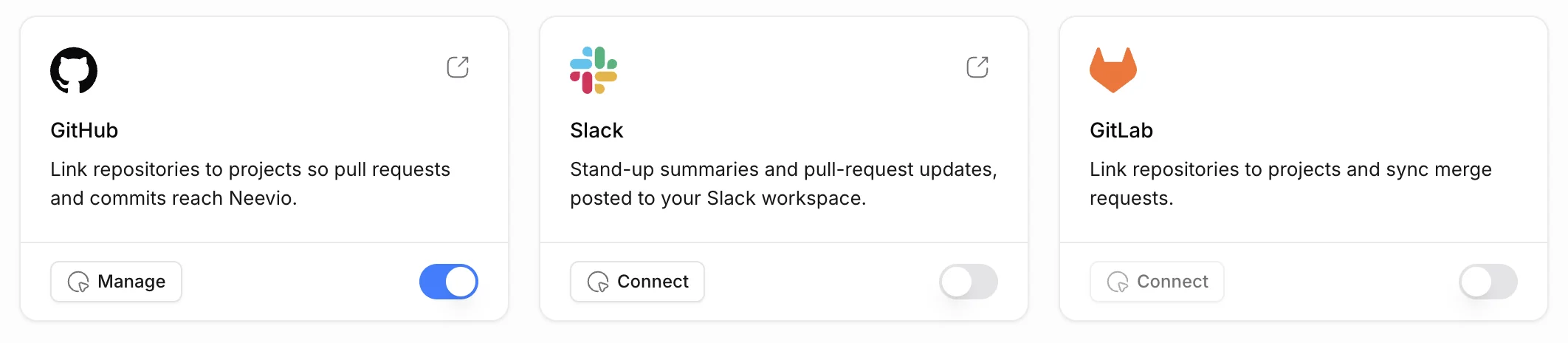
Follow the thread where the work lives
Open the Slack threads linked to a task and reply from Neevio when your account is connected. Only linked threads appear; the rest of Slack stays in Slack.
- Links to task-related Slack threads
- Supported thread replies
- Workspace and user connection settings
Send recurring updates to the right channel
Configure a Loop, connect Slack and choose a channel for delivery. A weekly wrap can summarize progress without the team assembling a fresh report each time.
- Connected-channel delivery
- Weekly wrap templates
- Scheduled project updates
Set it up once
Connect the workspace, choose the channels and send a test update to the channel your team actually reads.
- Workspace setup
- Channel configuration
- Review of delivered results
Explore Neevio.
AI workflows
Use Neevio Loops for scheduled project summaries and event-based task updates. Keep recurring AI work connected to project context.
Explore ai workflows →Task management
Organize tasks, priorities, dependencies and project discussions in Neevio. Use list, board and timeline views to keep delivery moving.
Explore task management →For software teams
Plan software delivery with tasks, intake, epics, sprints, GitHub reviews and project documents in Neevio. Add client scope when you need it.
Explore for software teams →Frequently asked questions.
Does Slack delivery work without connecting Slack?
No. You need the workspace integration and appropriate channel configuration.
Can Loops post a weekly update?
Yes. A weekly wrap template includes a schedule and Slack delivery action; you choose the channel and project context.