Keep code review close to project delivery.
Connect GitHub through the workspace integration and select repositories. Neevio’s Reviews area gives teams a place to inspect pull requests and the context around them.
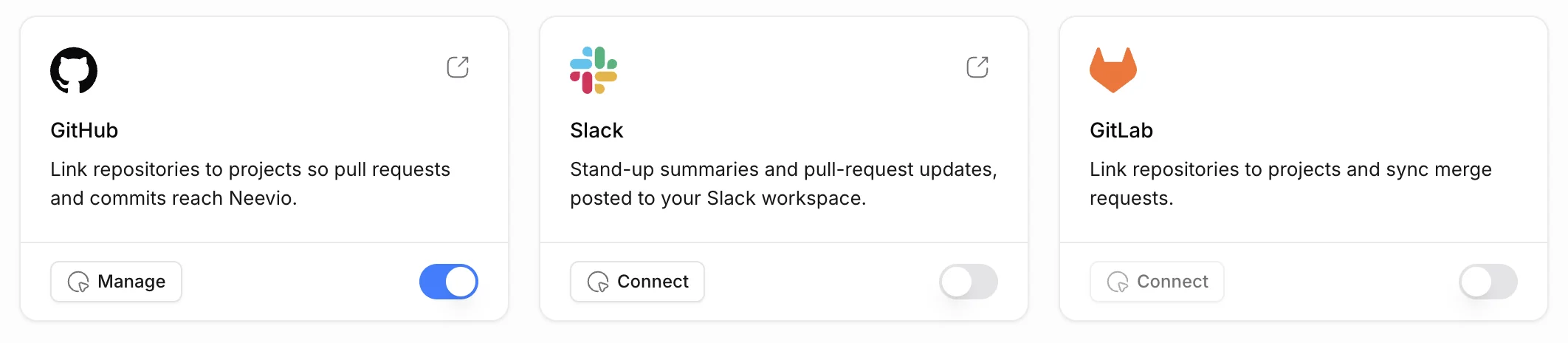
Connect the repositories you need
Install and configure the GitHub integration, then choose repositories for the workspace. Access depends on the GitHub installation and the user’s permissions.
- Repository selection
- Workspace integration setup
- Permission-dependent access
Review the change with its context
The Reviews area includes pull request details, diffs, commits and comments. Supported review actions remain subject to repository permissions.
- Pull request details
- Diff and commit inspection
- Comments and review submission
Pair code context with delivery context
Plan the work around the change with tasks, specs and sprints, so every pull request has a reason and an owner.
- Task ownership and priorities
- Project specs
- Sprint and epic planning
Explore Neevio.
For software teams
Plan software delivery with tasks, intake, epics, sprints, GitHub reviews and project documents in Neevio. Add client scope when you need it.
Explore for software teams →Task management
Organize tasks, priorities, dependencies and project discussions in Neevio. Use list, board and timeline views to keep delivery moving.
Explore task management →Project planning
Plan projects with epics, sprints, estimates and Gantt timelines in Neevio. Connect delivery plans to task ownership and dependencies.
Explore project planning →Frequently asked questions.
Does the integration store our repositories in Neevio?
The integration connects to selected GitHub repositories to show review context. Source control remains in GitHub.
Who can see the code in Neevio?
Only the repositories you select in the GitHub installation, and only people who have access to them in GitHub.